

 Onyx AIO liquid cooling
Keep a cool head.
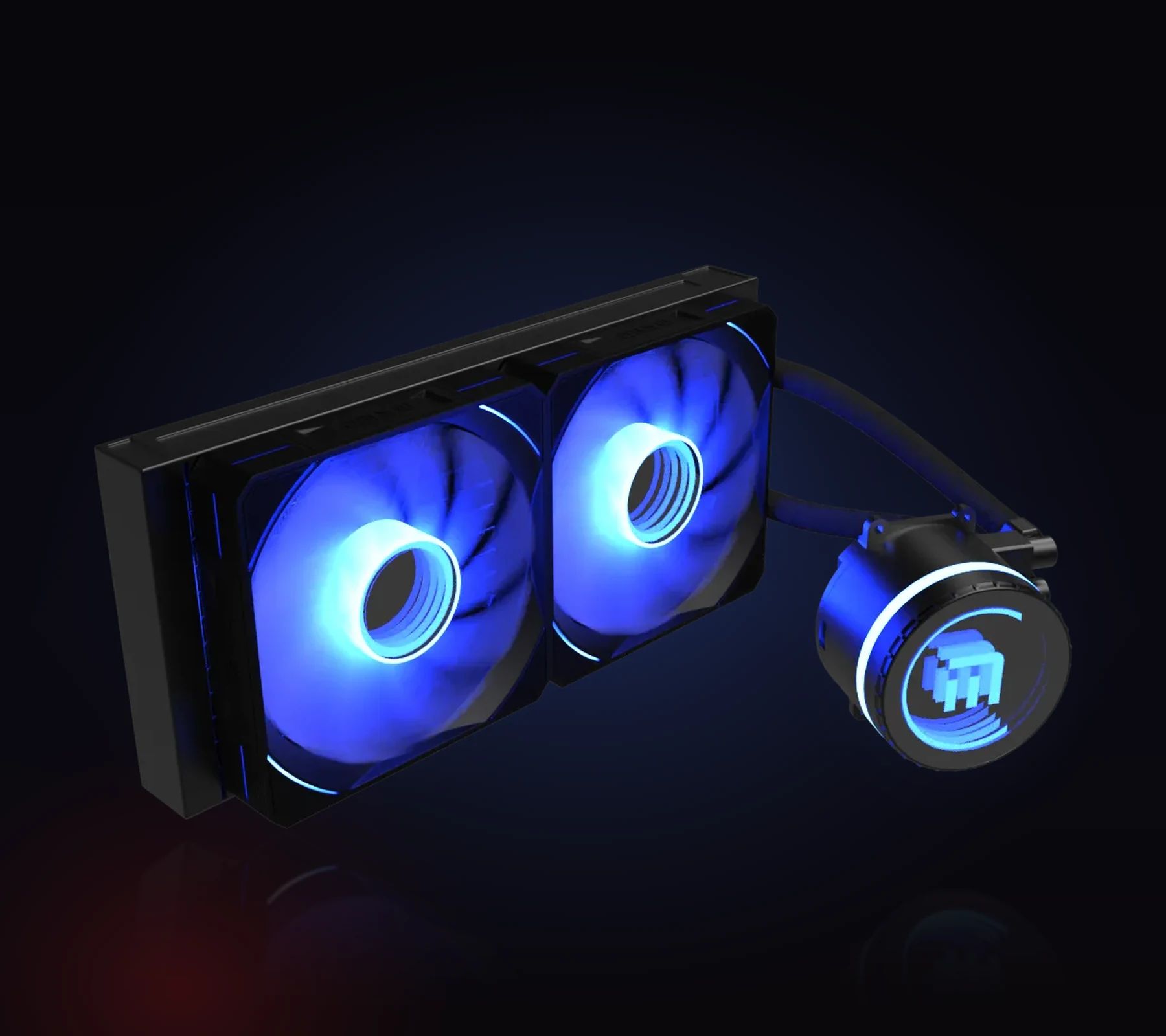
Onyx 240 and Onyx 360: ready-to-fit liquid cooling, two or three 120 mm ARGB fans, and a pump stamped with the M.RED monogram.
- or 240 mm: two radiator sizes
- 360
- rpm at most, 800 at idle
- 1 800
- dB(A) at most for the pump
- 23
- hours of stated MTBF for the pump
- 30 000
- and Intel LGA1700 supported
- AM5
Why circulate liquid?
Because liquid carries heat far better than air, and it carries it away from the processor.
For the same mass, water stores around four times more heat than air. In an Onyx, the pump plate takes the heat from the processor, the liquid carries it through two tubes to the radiator, and the fans push it out of the case.
And gaming processors draw hard: up to 253 W in turbo for a Core i9-14900K according to Intel, and AMD recommends liquid cooling for its Ryzen 7 9800X3D and Ryzen 9 9950X. When cooling keeps up, the processor holds its frequency instead of throttling.
Around the socket, no more air cooler tower or weight hanging off the motherboard: the heat is handled at the edge of the case, where the cool air comes in. And through a glass panel, your eye falls on the pump and its lit ring.
Signed right down to the side
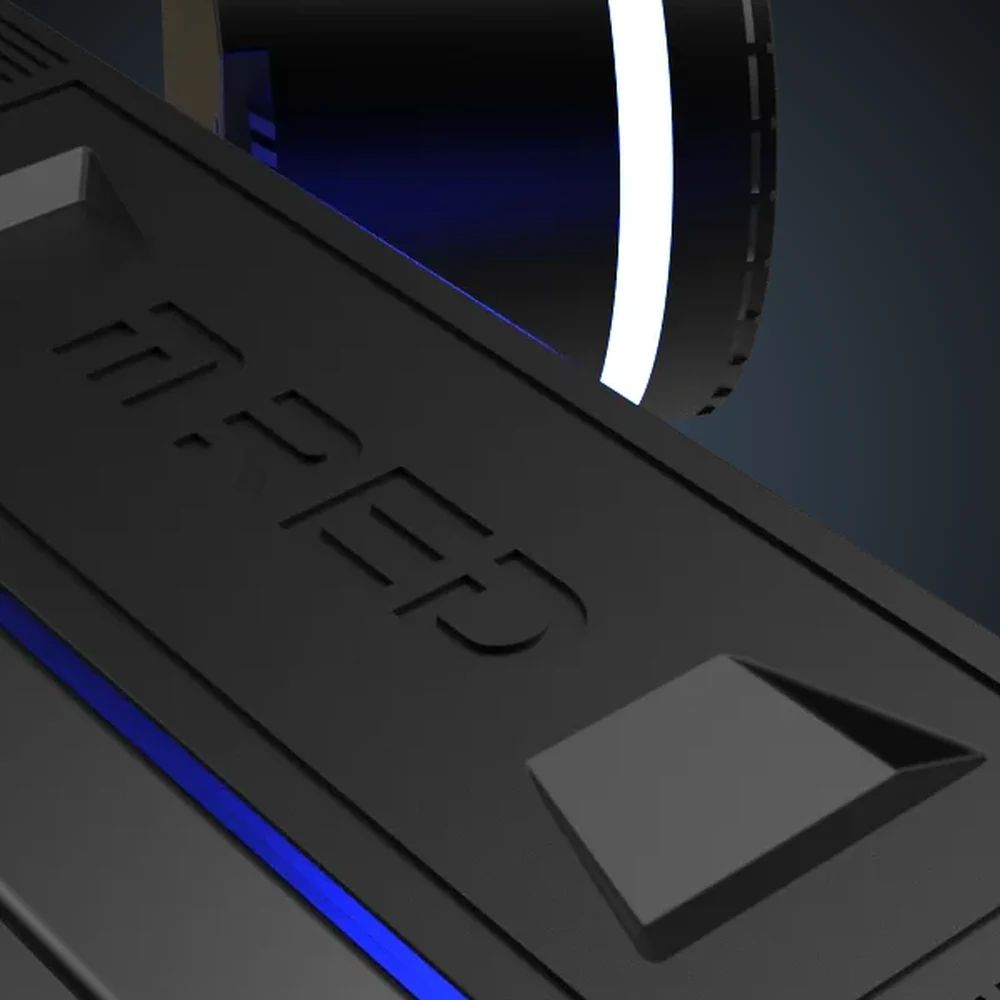
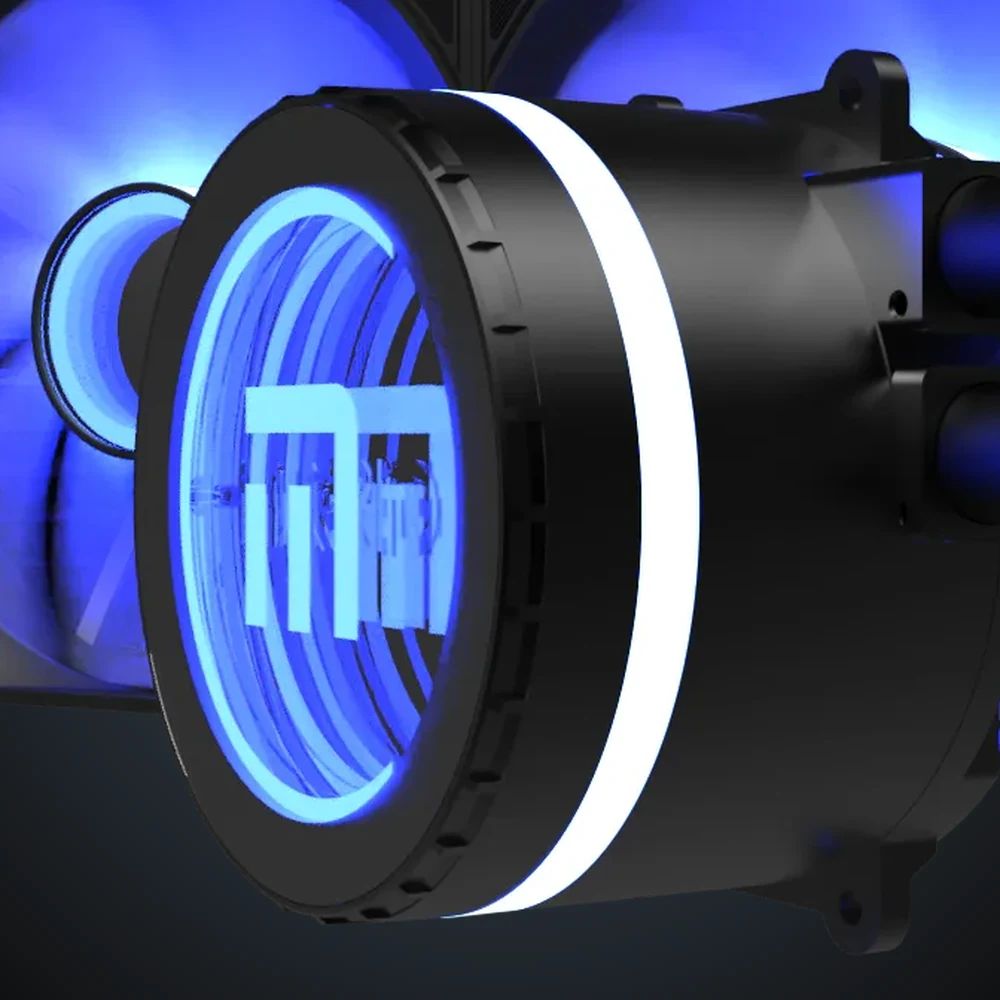
A light ring around the pump, the M.RED monogram at its centre, the brand name on the side of the radiator: an Onyx is as much to look at as it is to cool.


Where to fit the radiator?
Four rules drawn from test benches, so the cool air goes to the right place.
At the front, as intake
Cool air from outside passes through the radiator first: this is the best spot for the processor. In return, the graphics card gets air that has already been warmed.
In a Gamers Nexus test, old but telling, the processor gains 6 °C compared with the top position, and the graphics card loses 6.5.

On top, as exhaust
The radiator pushes the processor's heat straight out of the case, without warming the graphics card. This is the position Gamers Nexus recommends first for a gaming build, while pointing out that no two cases are alike.

The pump, never at the highest point
A little air always stays in the loop, and it rises. Place the pump lower than the top of the radiator: the air sits in the radiator, not in the pump, where it would make noise and wear it out.
At the front, point the tubes downwards. That is also Corsair's advice.

Silence is set on the fans
According to Corsair, slowing a pump from 100 to 80 % costs only a degree or two: it is the fans that carry the heat away.
On an Onyx, they range from 800 to 1,800 rpm depending on the curve set in the motherboard: gentle at idle, firm under load.

Fitting an Onyx, step by step
The manual is the reference; here is the order that saves you taking it apart twice.

Prepare the mounting
Fit the backplate and the standoffs that match your socket, Intel or AMD.
Mount the radiator
Screw the fans onto the radiator, then the radiator to the case, at the front or on top.

Fit the pump
Thermal paste on the processor if the plate doesn't have any, then tighten crosswise, without forcing.
Connect
The pump on a 3-pin header (AIO_PUMP or CPU_FAN), the fans on their 4 pins, the lighting on an ARGB header.
Two radiator sizes
In games, the gap stays within a few degrees: 2 °C between the two sizes of the same AIO at Tom's Hardware. It widens under heavy load on all cores.
The Onyx 240 suits 120 W processors, such as the Ryzen 7 X3D, and Core i5 and i7 chips in games. The Onyx 360 targets Core i7 and i9 at 253 W and Ryzen 9 at 170 W. First of all, check that your case takes the radiator.

- 120 mm ARGB fans
- 2
- mm of radiator length
- 277
- kg net weight
- 2,1
- 120 mm ARGB fans
- 3
- mm radiator length
- 397
- kg net weight
- 2,7


Frequently asked questions
Does AIO watercooling need maintenance?
It arrives filled and sealed: nothing to fill or bleed. Dust the radiator and the fans from time to time.
Like any AIO, it ages: the liquid seeps very slowly through the tubes, and Gamers Nexus puts their usual service life at four to six years, with a slight gurgling possibly appearing towards the end.
Is my processor compatible?
On the Intel side: LGA1700, LGA1200, LGA115x and LGA20xx. On the AMD side: AM5, AM4 and the older sockets listed on the spec sheet. The LGA1851 of Intel Core Ultra chips is not in our data : check with your reseller before buying for this socket.
240 or 360 mm: which one to choose?
First the case: it has to take a 277 mm radiator for the Onyx 240, 397 mm for the Onyx 360, in the chosen position. Then the processor: a 240 is enough for 120 W chips and for a Core i5 or i7 in games, while the 360 takes over for Core i9 and Ryzen 9.
My Ryzen reaches 95 °C: is that normal?
Yes. AMD designed its Ryzen 7000 chips to reach their thermal limit, around 95 °C, under heavy all-core load. Better cooling therefore shows not in degrees, but in a clock speed held for longer.
Are the fans noisy?
30.5 dB(A) at most for each fan at full speed, 23 dB(A) at most for the pump. Plugged into their 4-pin connectors, the fans follow the motherboard and drop to 800 rpm when the processor is idle.
How is the lighting set?
No controller is supplied: plugged into an ARGB header on the motherboard, the lighting is set from the motherboard's software.
What is the warranty?
Two years, for the Onyx 240 as well as the Onyx 360.