

Wazo Wifi6E/BT5.2
PCIe x1 Wi-Fi 6E card, compatible with x4, x8 and x16 slots: up to 2,400 Mbps on both 5 GHz and 6 GHz, and 574 Mbps on 2.4 GHz. Bluetooth 5.2 and two 5 dBi external antennas. The 6 GHz band requires Windows 11 and a Wi-Fi 6E or Wi-Fi 7 router.
The Wazo Wi-Fi 6E opens the 6 GHz band to your PC
A PCIe x1 network card that adds Wi-Fi 6E and Bluetooth 5.2 to a desktop PC: three bands, two external antennas, and a single expansion slot is enough.

PCIe Wi-Fi card: wireless on a desktop PC
A free PCIe slot, two antennas to screw on: your PC moves up to Wi-Fi 6E.
The card slots into a PCIe x1slot, and also works in an x4, x8 or x16 slot on the motherboard.
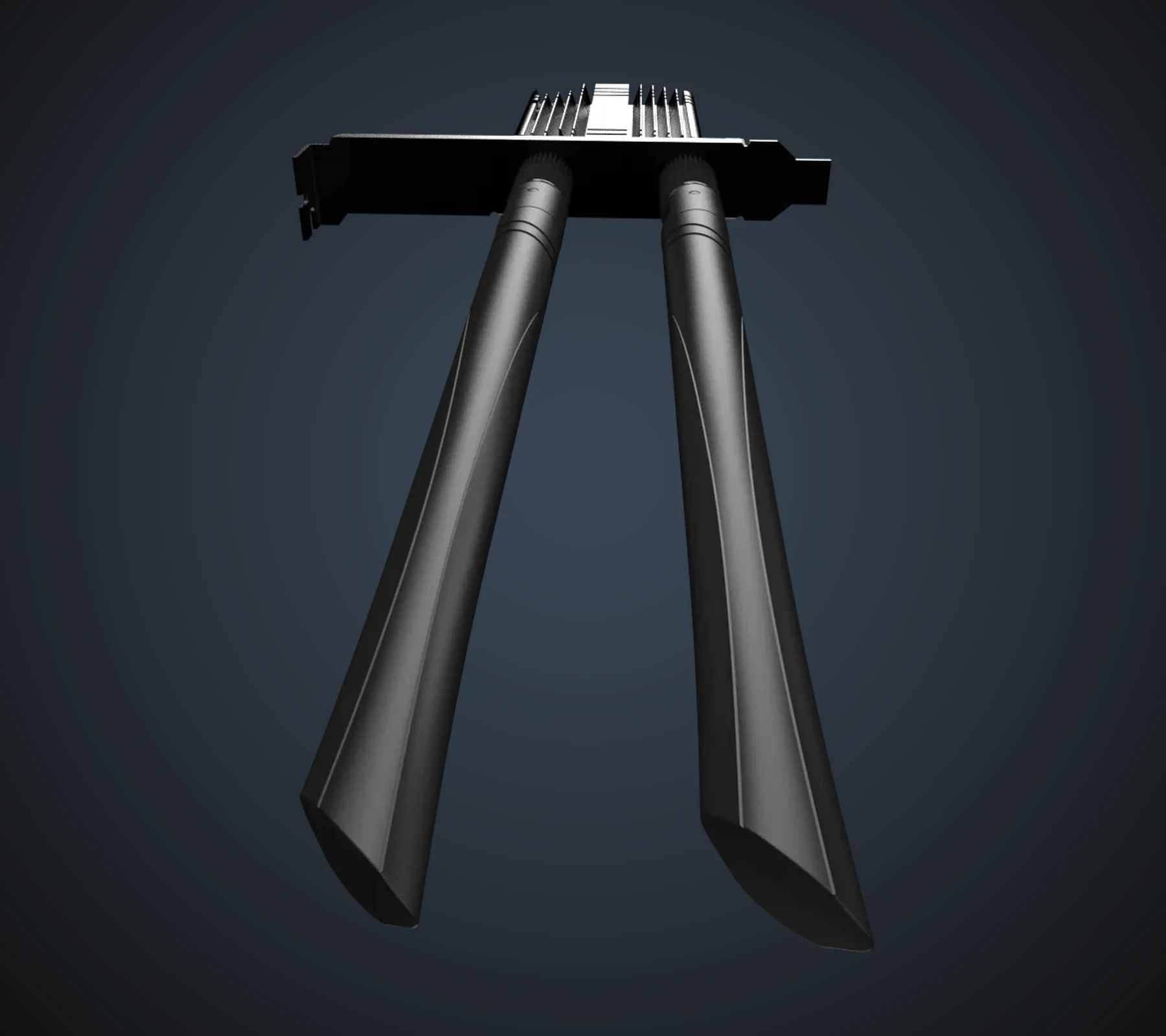
A finned heatsink covers the module, and the two antennas screw onto the card's bracket at the back.
For peripherals, Bluetooth 5.2 connects a wireless headset, controller or mouse.

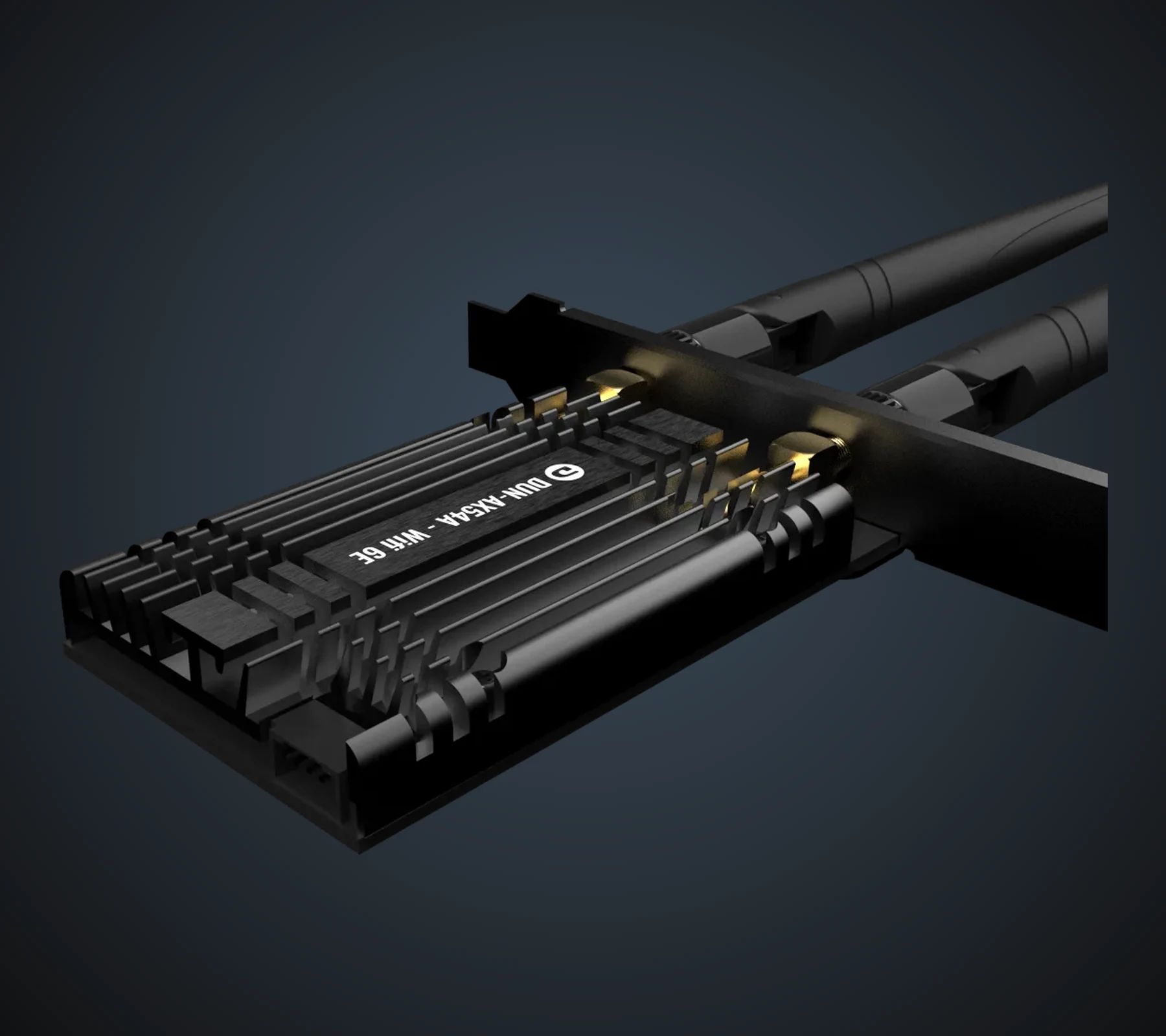
Heatsink, antennas and connector, up close
The fins of the heatsink sitting on the module. The gold connector of an antenna, screwed onto the bracket. And the PCIe x1 connector, which fits into any PCIe slot on the motherboard.


Tri-band Wi-Fi 6E: 2.4, 5 and 6 GHz
Three bands, three maximum speeds: 2,400 Mbit/s on 5 GHz as on 6 GHz, and 574 Mbit/s on 2.4 GHz. These are theoretical maximums per band: a connection does not add the three together.
The 6 GHz band, specific to Wi-Fi 6E, requires a Wi-Fi 6E or Wi-Fi 7 router. With an older router, the card connects on 2.4 or 5 GHz.
The two external antennas offer a 5 dBi gain.
A PCIe x1 network card with two antennas
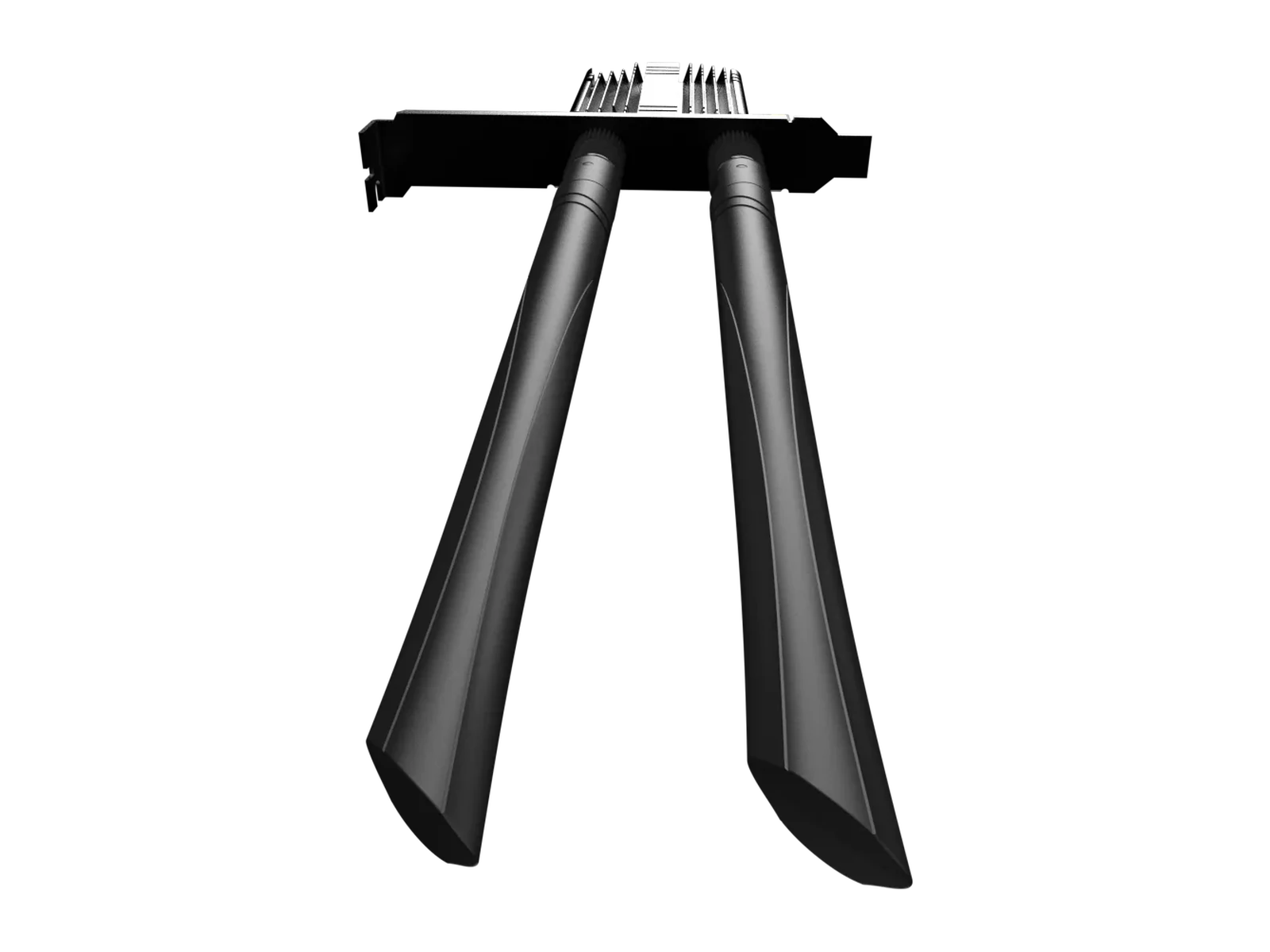
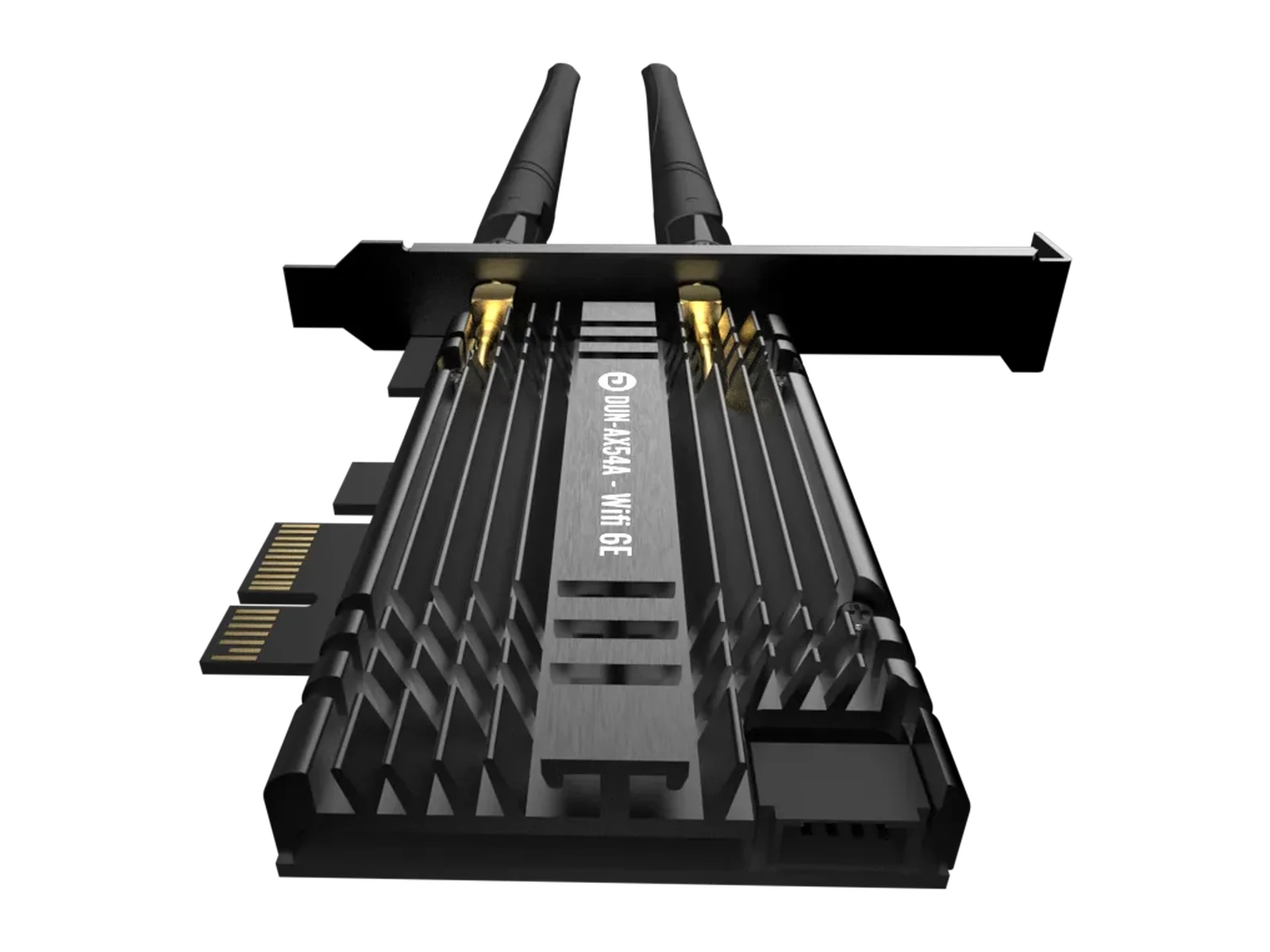
From the front, the two antennas standing above the bracket; from above, the module under its heatsink; from three-quarters, the card ready to install.

Installation: Windows 11 to use the 6 GHz band
Drivers for 64-bit Windows 10 and 11, with one detail that matters.
The card is designed for Windows 10 and Windows 11 (64-bit). The 6 GHz band, however, is only available under Windows 11: on Windows 10, the card connects on 2.4 and 5 GHz.
Two things to check before choosing it: a free PCIe slot on the motherboard, and a Wi-Fi 6E router to reach the 6 GHz band. The Wazo Wi-Fi 6E is covered by a two-year commercial warranty.
Gallery



Tech specs
References1
- Serie Model
- Wazo
Main Specs7
- Wireless standards
- WiFi 6E
- Chipset
- AX-5400
- Wireless Rate
- 2.4 GHz: 574 Mbps · 5 GHz: 2,400 Mbps · 6 GHz: 2,400 Mbps
- Bluetooth Version
- 5.2
- Interface
- Compatible with PCIe-X1, PCIe-X4, PCIe-X8, PCIe-X16
- Antenna
- External Dual Antenna 5 dBi
- Support System
- Windows 10 & 11 (64 bits)
Fan(s)1
- Warranty & docs
- Warranty & Docs
Warranty & Docs1
- Commercial Warranty
- 2 années
